
Switching · All apps
Switch from TextExpander
Shorthand reads TextExpander’s own files. Your abbreviations, fill-ins, and group settings come across unchanged, and your snippet codes keep working.
Four steps, about a minute.
1
Download and open Shorthand
Drag it to Applications and open it. Accept the license, then allow Accessibility access when it asks. A green check mark shows when it’s on.
2
Import your library
Choose File ▸ Import Snippets… (⇧⌘I). Shorthand looks in Dropbox, iCloud Drive, and Application Support, and shows a button when it finds Settings.textexpander.
3
Turn TextExpander off
Quit it, or turn off its expansion, so abbreviations don’t expand twice. Shorthand warns you while it’s running.
4
Match your expansion setting
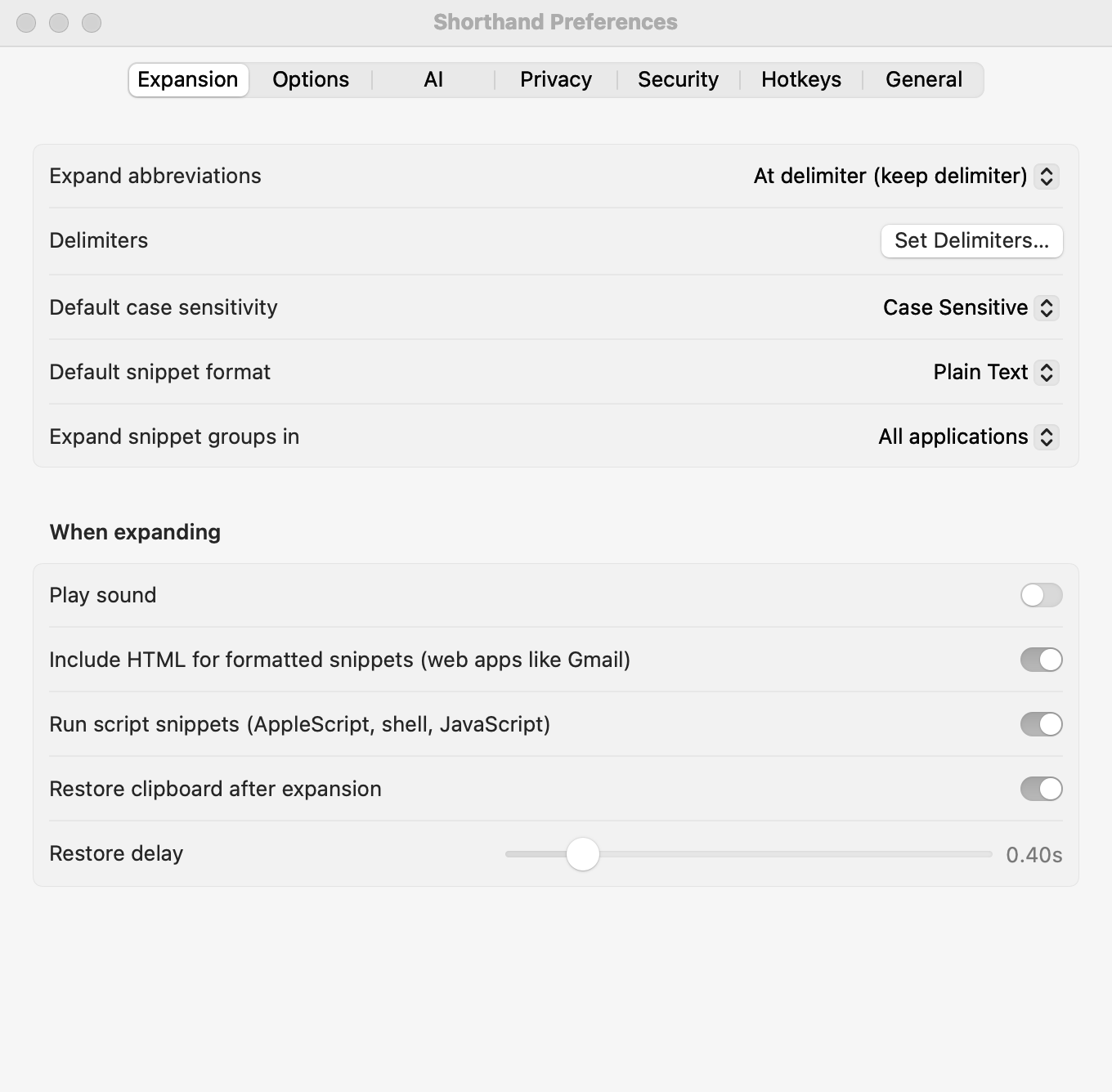
Pick the same “when should abbreviations expand” choice you used in TextExpander. That’s it: keep typing.
What you can import
Importing copies your snippets. It never changes the original file.
File
What it is
Settings.textexpander
Your whole library: every group and snippet.
A group .textexpander file
One exported group.
A .textexpanderbackup folder
An automatic backup; each group inside is imported.
A .txt, .csv, or .tsv file
One snippet per row: abbreviation, content, and optionally a label. A header row is fine.
What comes across
Abbreviations, labels, content, and use counts.
Plain-text, formatted-text, and script snippets.
Each snippet’s case setting.
Each group’s “expand after” rule, app rules, and whether it’s searched.
Your lifetime “characters saved,” shown in Statistics.
TextExpander’s “Suggested Snippets” group is left behind by default, because it can hold private typing.
TextExpander 5 and Shorthand, side by side
TextExpander 5 feature
In Shorthand
Abbreviations, delimiters, expand immediately
Same
Case sensitive, ignore case, adapt to case
Same
Plain and formatted snippets
Same
AppleScript, shell, and JavaScript snippets
Better: run in the background with a time limit
Fill-ins: fields, pop-ups, optional sections, %filltop%
Same
Dates, date math, clipboard, nested snippets, keys, cursor
Same
Group app rules (all, except, only)
Better: per snippet too
Search hotkey and inline search
Same
Suggested snippets
Better: opt-in, stores only hashes
Statistics
Better: imports your lifetime characters saved
Dropbox or iCloud sync
Partly: the whole library syncs; no separate folder per group
Backups and restore
Same
Export a group to TextExpander format
Same
Groups subscribed from a URL
Not available
Calculations and conditional text
New
Tags, Trash, multi-select, ⌘Z
New
Encryption and app lock
New
App and website blocklist
New
AI (12 providers)
New
Runs natively on Apple Silicon
New: TextExpander 5 needs Rosetta
Compared with TextExpander 5.1.5’s own help and real libraries. TextExpander’s later subscription versions aren’t compared.
Not affiliated with TextExpander
TextExpander is a trademark of its owner. Shorthand is an independent product: it is not affiliated with, endorsed by, or sponsored by TextExpander or its owner. The name is used only to describe compatibility. Shorthand reads TextExpander’s files so you can move your own snippets; it contains no TextExpander code.
Ready when you are.
Your TextExpander library stays exactly as it is, so you can try Shorthand with nothing to lose.